CIS Critical Security Controls
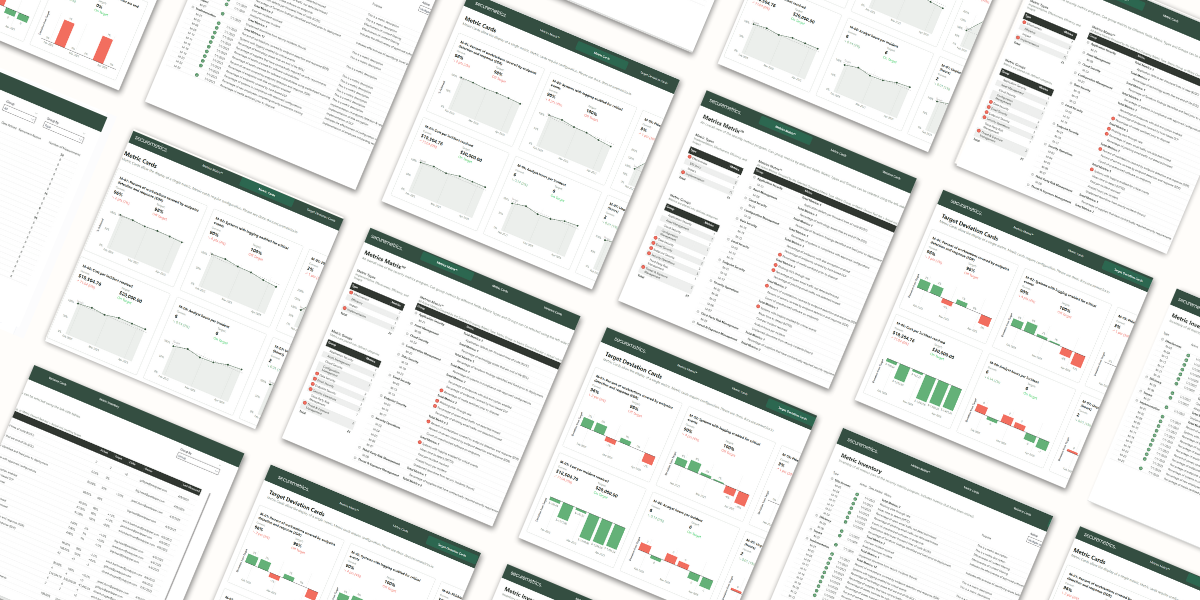
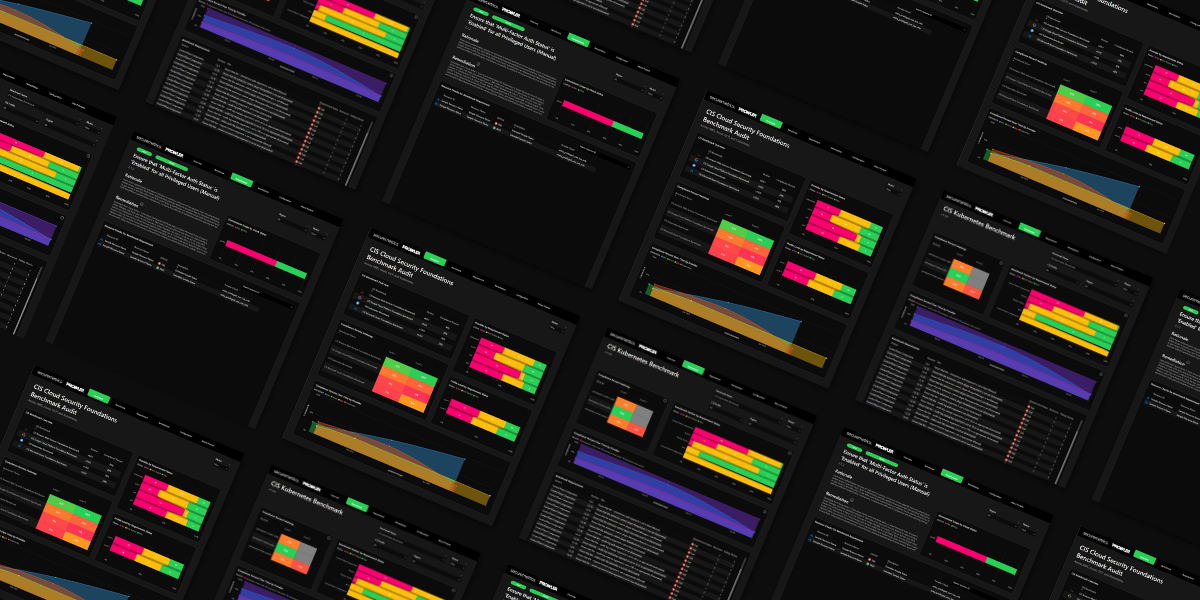
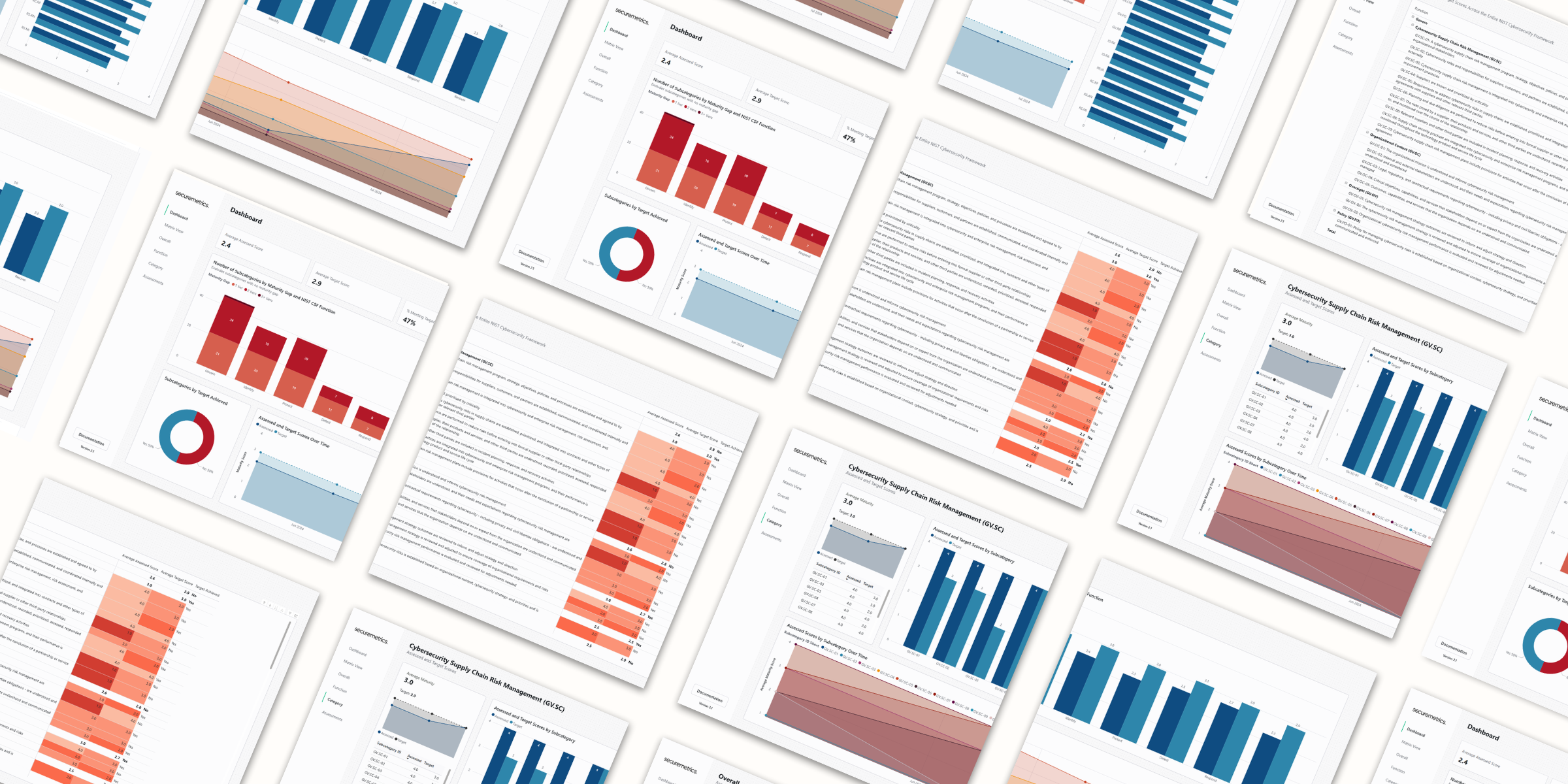
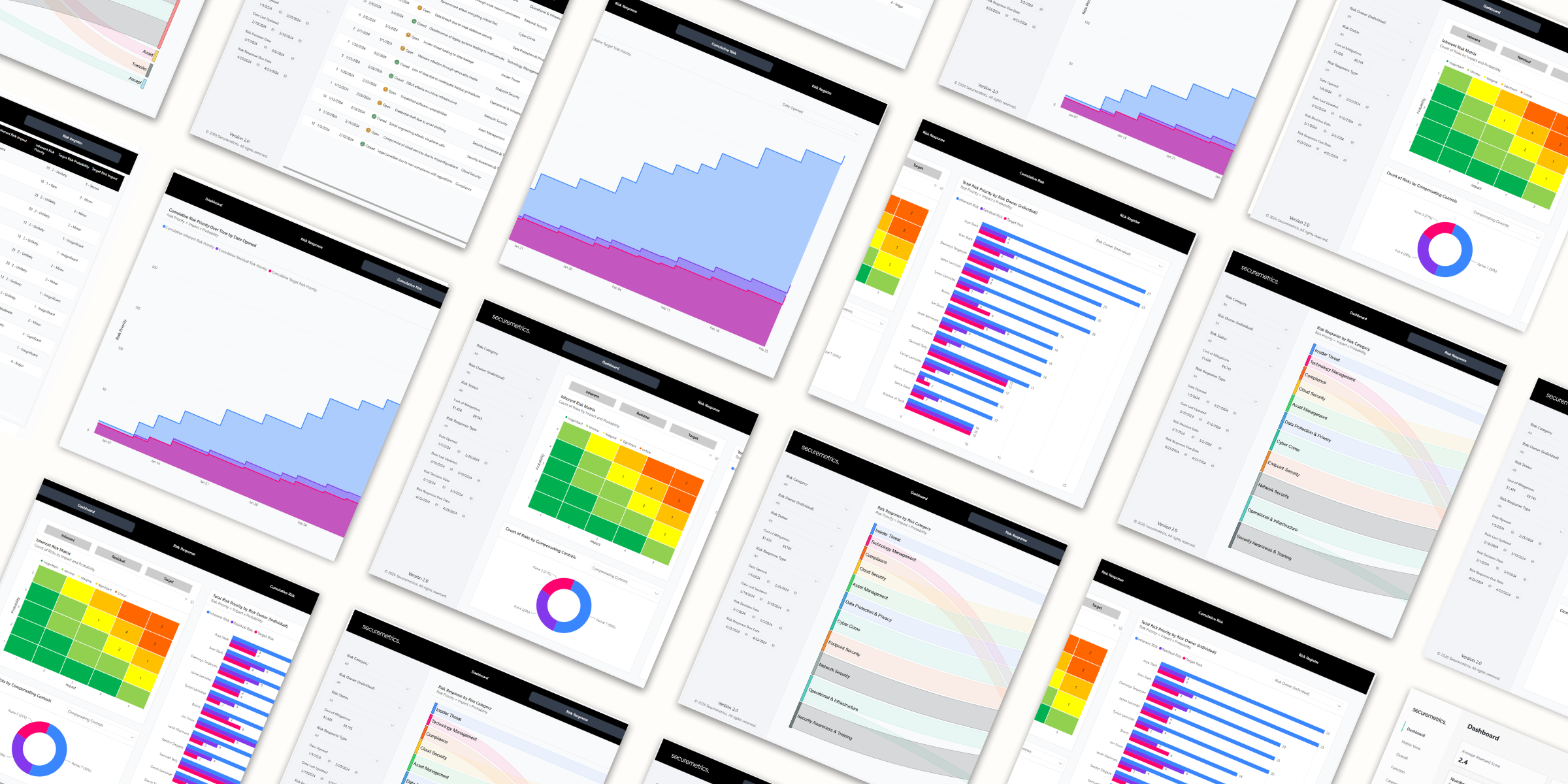
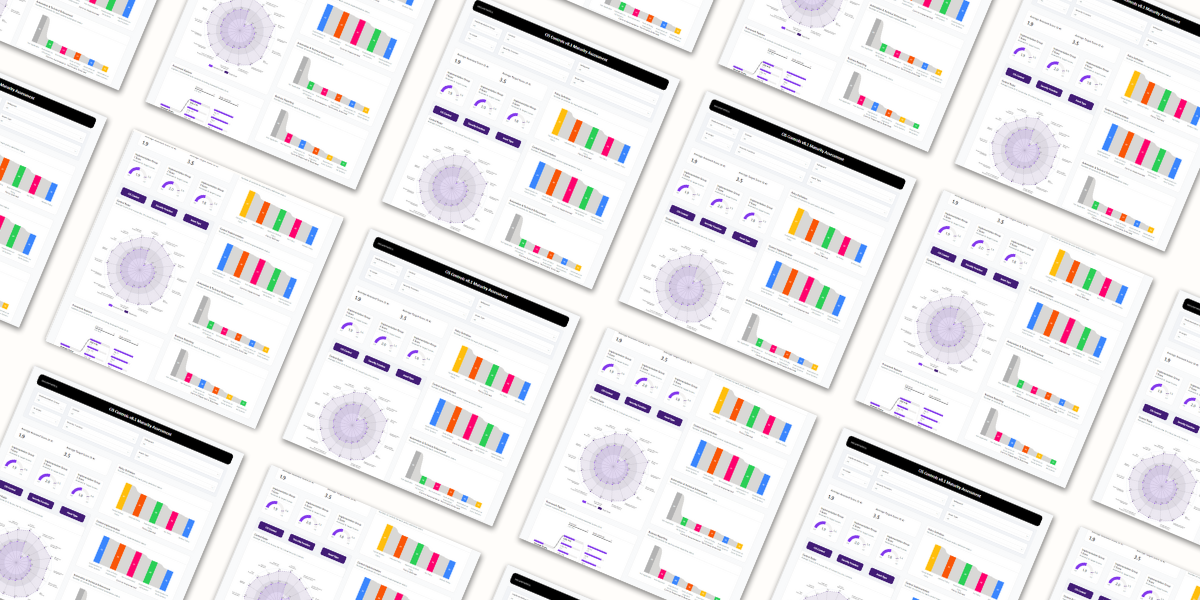
Streamline your CIS Critical Security Controls assessments with this Power BI deliverable template kit. Report maturity assessment results against CIS Controls v8 as interactive dashboards, from a simple Excel import.
How it works
1Fill out the spreadsheet
Enter your data in the included Excel workbook.
2Open the template
Double-click the .pbit file to open it in Power BI Desktop.
3Point it at your file
Paste in the file path when prompted. The dashboard builds itself.
What you get
- Assess sub-controls across policy, implementation, automation & enforcement, and business reporting
- Score on a 0 to 4 scale at overall, tier, control, and sub-control level
- Gap analysis comparing assessed against target scores
- Framework explorer for the CIS Controls hierarchy, with filtering
- Around 40 pre-built, customizable slides driven by the same dataset
Included in the download
Power BI template.pbit
Power BI slide deck template.pbit
Excel data import file.xlsx
Pricing
Internal$595/year
Purchase →
|
Most Popular
Consultant$1,495/year
Purchase →
|
|
|---|---|---|
| Full template download | ✓ | ✓ |
| Updates during your license term | ✓ | ✓ |
| Email support | ✓ | ✓ |
| Use for your own internal reporting | ✓ | ✓ |
| Use across unlimited client engagements | — | ✓ |
| White-label with your own branding | — | ✓ |
FAQ
- What Power BI licensing do I need?
- No licensing is required when running locally on Power BI Desktop. To publish and share your dashboard through the Power BI service, a Power BI Pro license is required.
- How is data imported to the report?
- Data is input into the provided Excel template.
- What happens to my reports if I don’t renew?
- This product is licensed annually. Annual renewals maintain your access to the latest version of the product in the customer portal. Not renewing will remove your access from the customer portal and future versions, however your current report will continue to function.