Security Metrics Toolkit
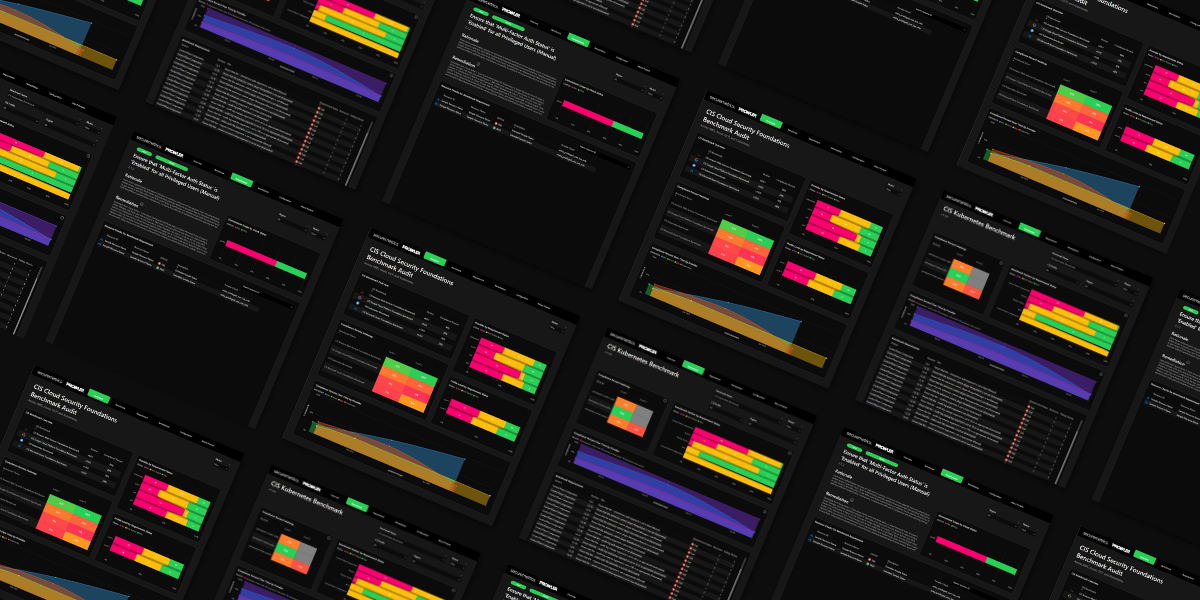
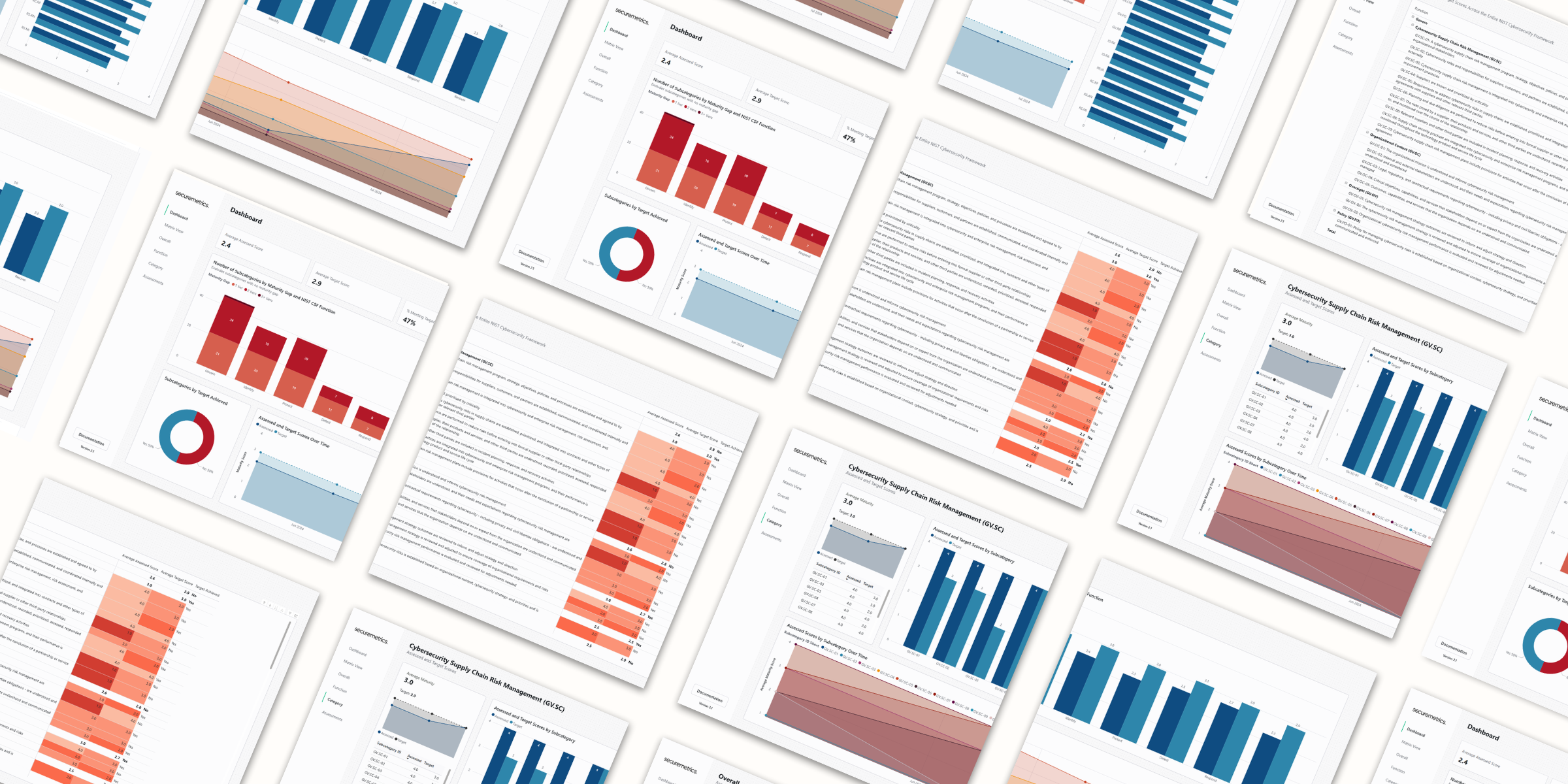
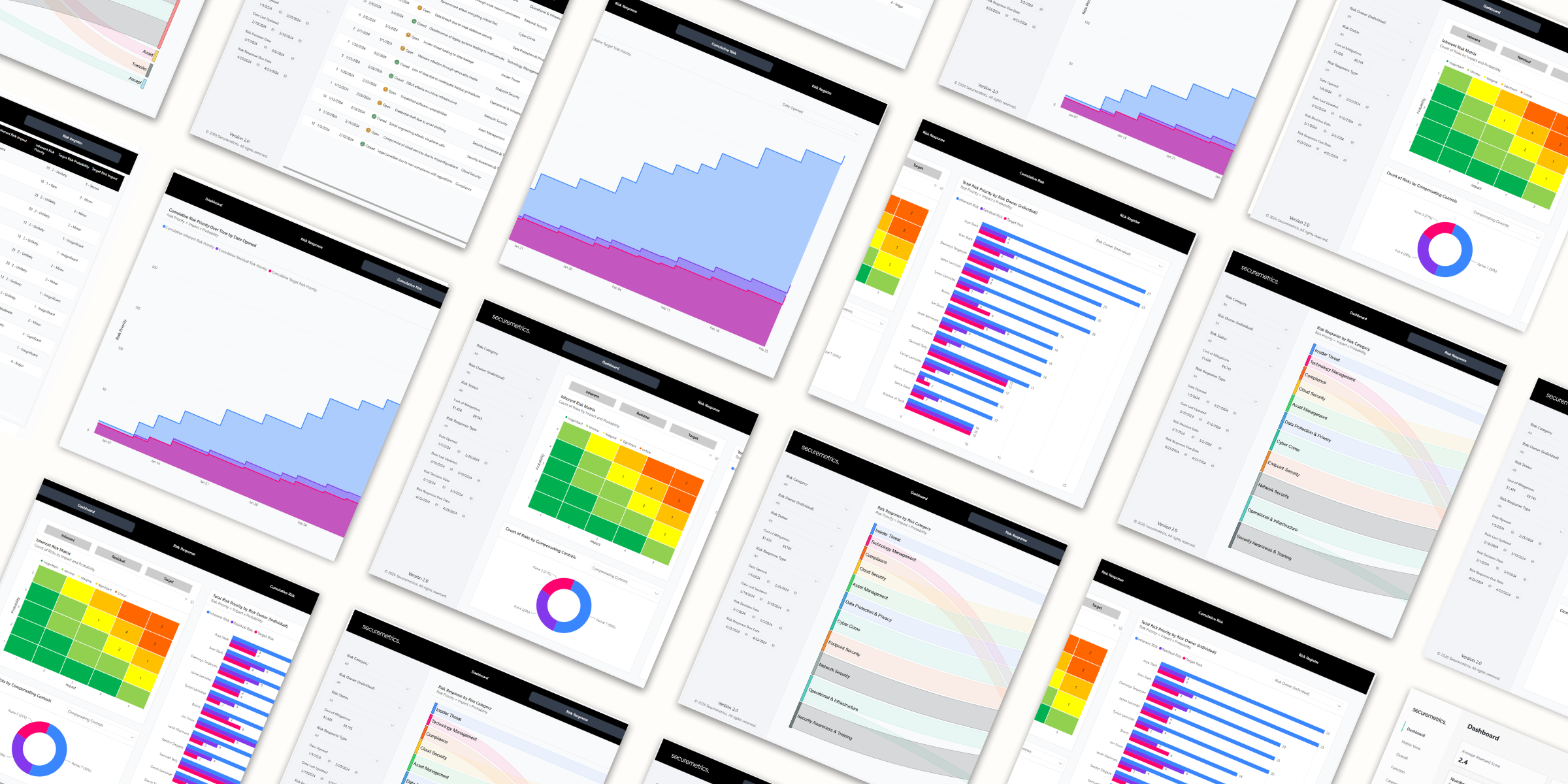
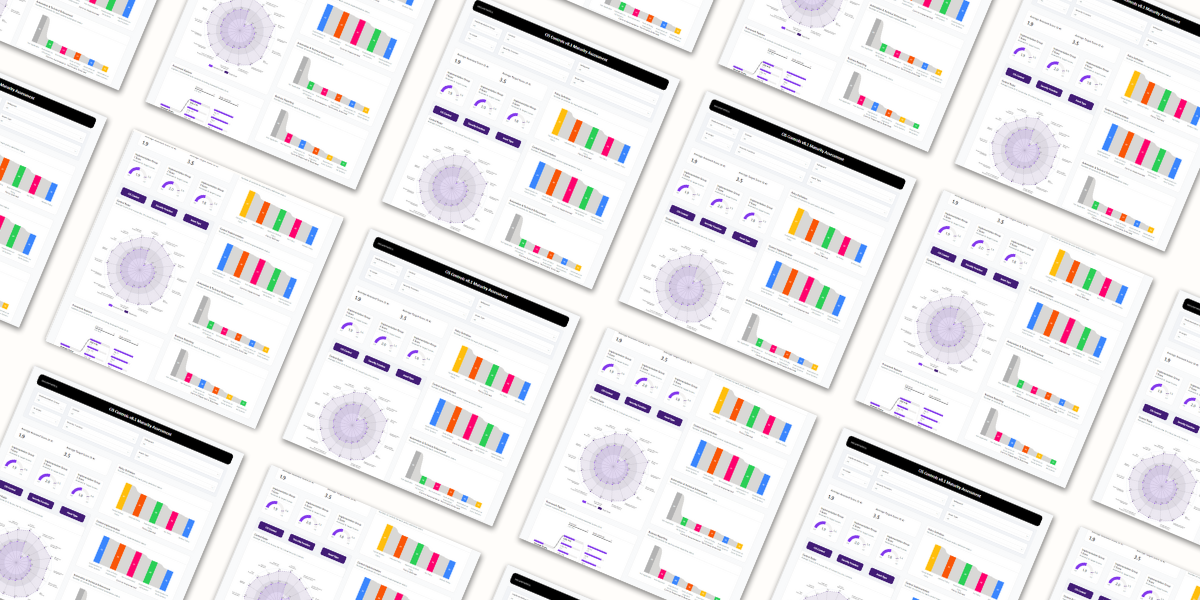
The easiest and quickest way to stand up reporting for your security metrics program. Aligning to NIST SP 800-55, the toolkit lets you track any security metric and visualize the data in a central dashboard.
How it works
1Fill out the spreadsheet
Enter your data in the included Excel workbook.
2Open the template
Double-click the .pbit file to open it in Power BI Desktop.
3Point it at your file
Paste in the file path when prompted. The dashboard builds itself.
What you get
- Visualize any security metric
- Track measurements over time against defined targets
- Group metrics into custom groups
- Organize by NIST 800-55 metric type, covering implementation, efficiency, effectiveness, and impact
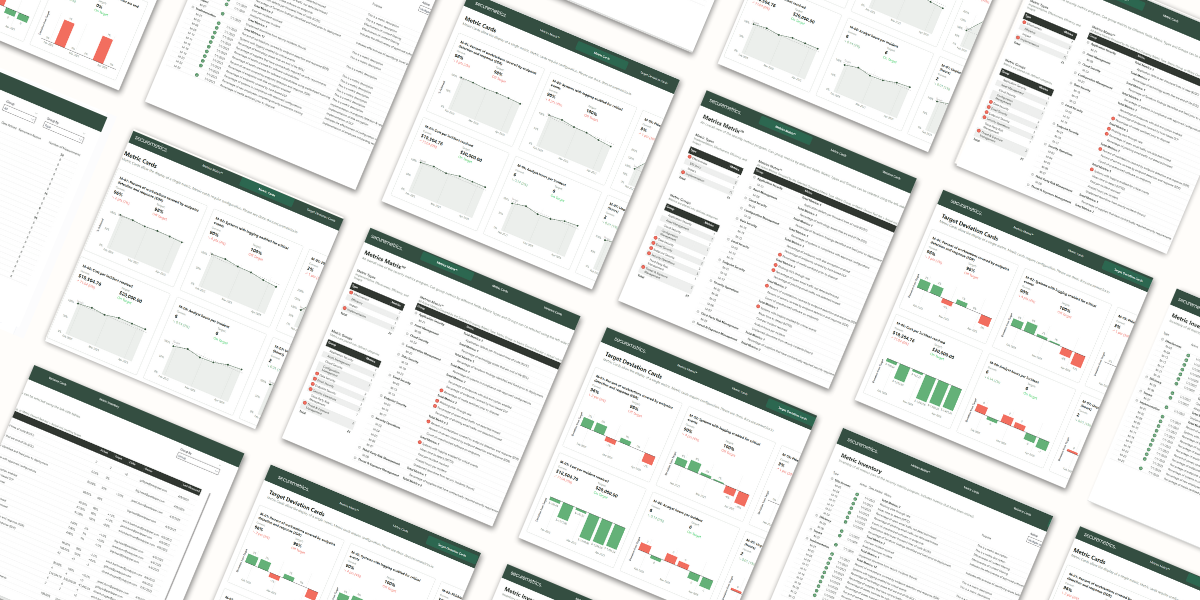
- Metrics Matrix™ for a program-wide overview
- Action Dots to flag the metrics needing attention
- Metrics Card template for detailed tracking
- Deviation Card template for target variance analysis
- Complete metric inventory and documentation
- Collaborate on one shared Excel file in Teams, OneDrive, or SharePoint
Included in the download
Excel template.xlsx
Power BI template.pbit
Pricing
Internal$595/year
Purchase →
|
Most Popular
Consultant$1,495/year
Purchase →
|
|
|---|---|---|
| Full template download | ✓ | ✓ |
| Updates during your license term | ✓ | ✓ |
| Email support | ✓ | ✓ |
| Use for your own internal reporting | ✓ | ✓ |
| Use across unlimited client engagements | — | ✓ |
| White-label with your own branding | — | ✓ |
FAQ
- What Power BI licensing do I need?
- No licensing is required when running locally on Power BI Desktop. To publish and share your dashboard through the Power BI service, a Power BI Pro license is required.
- How is data imported to the report?
- By default, the report is set up for manual measurement updates in a provided Excel template. However, the template is designed to allow automated calculation using the data infrastructure of your choice. More info on automation is included in the documentation at docs.securemetrics.io.
- What happens to my reports if I don’t renew?
- This product is licensed annually. Annual renewals maintain your access to the latest version of the product in the customer portal. Not renewing will remove your access from the customer portal and future versions, however your current report will continue to function.